![Pawlytics_Paw-1.png]](https://learn.pawlytics.com/hs-fs/hubfs/Pawlytics_Paw-1.png?height=40&name=Pawlytics_Paw-1.png)
Did your name accidentally get misspelled when creating your User account? Did you get a new phone number? No worries at all! You can edit this information directly in User Settings.
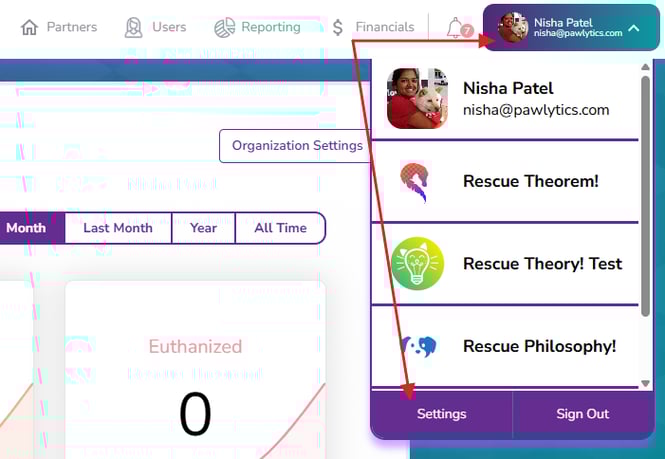
First click your name (or what should be your name if it was spelled correctly 😉) in the purple box in the upper right corner of the browser screen and then click the Settings button:
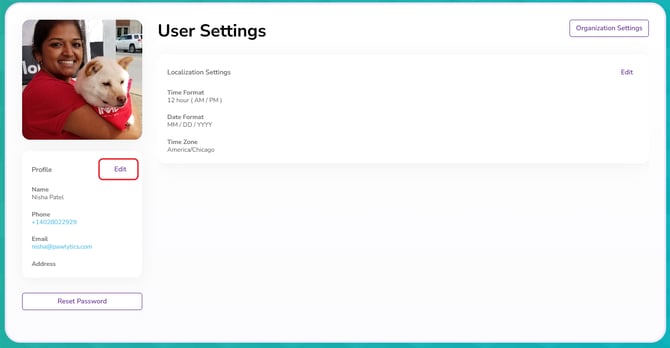
This is your User Settings page! From here you can edit your name and contact details by clicking the edit button under your profile picture:
Please note that while you can update your name, phone number, and address, for security reasons you CANNOT change your email address:
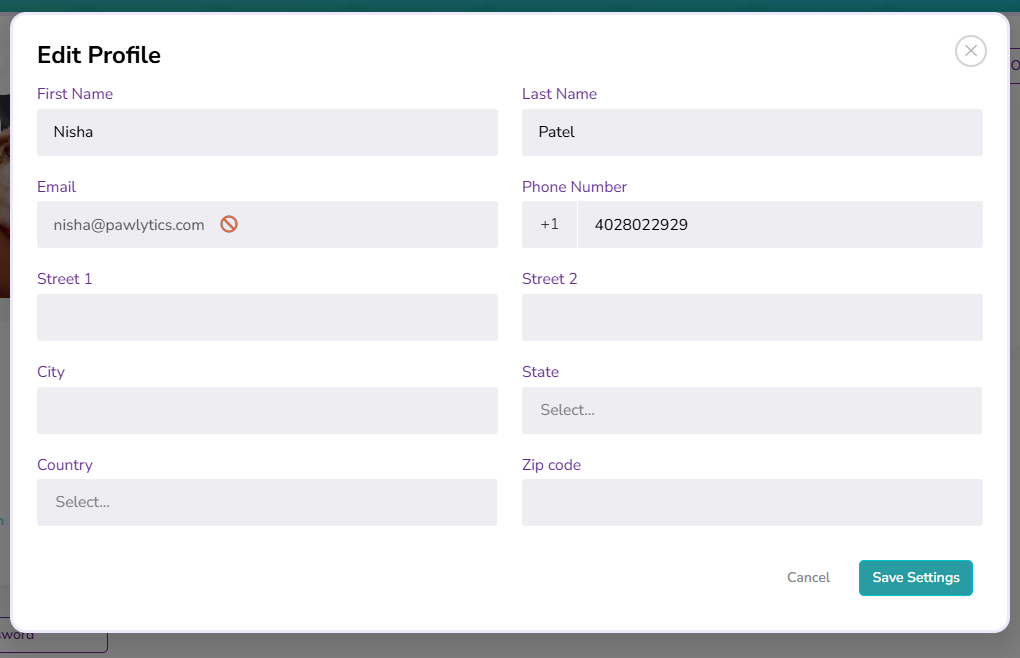
If your user email needs to be updated, please contact your rescue admin and have them invite the correct email as a new user. Once you're connected with your new email address, your old user login can be deleted without affecting any work you've previously done in the system.
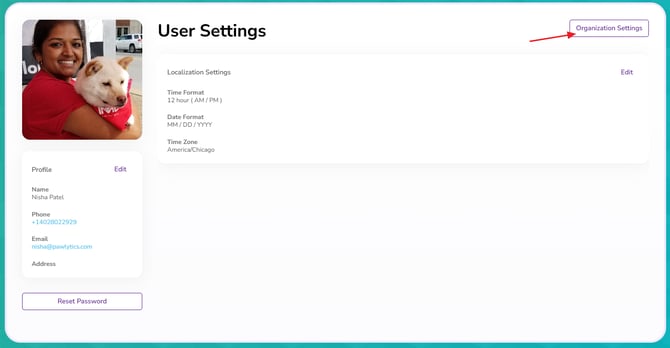
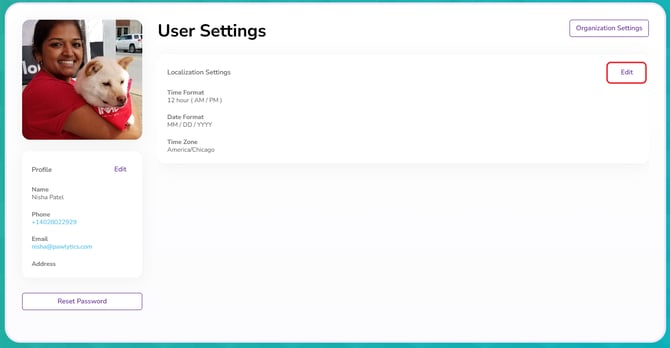
From your User Settings page, you can also edit your localization settings such as your preferred date and time format:
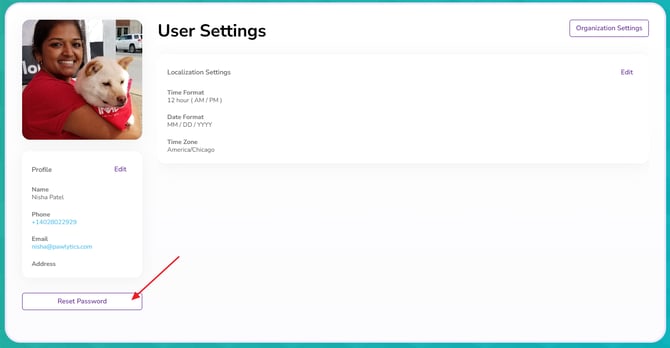
And if you're an admin, you can also access organization settings: